Find your next favorite.
Browse movies, series, and categories. Pick a new obsession or revisit a story you love.
 FreeFilm.
FREE MOVIES. YOUR SCREEN.
Movies, TV shows, and your next favorite story.
Find something worth watching. Make some time for yourself.
Android 7.0+ · 19.2 MB · APK download
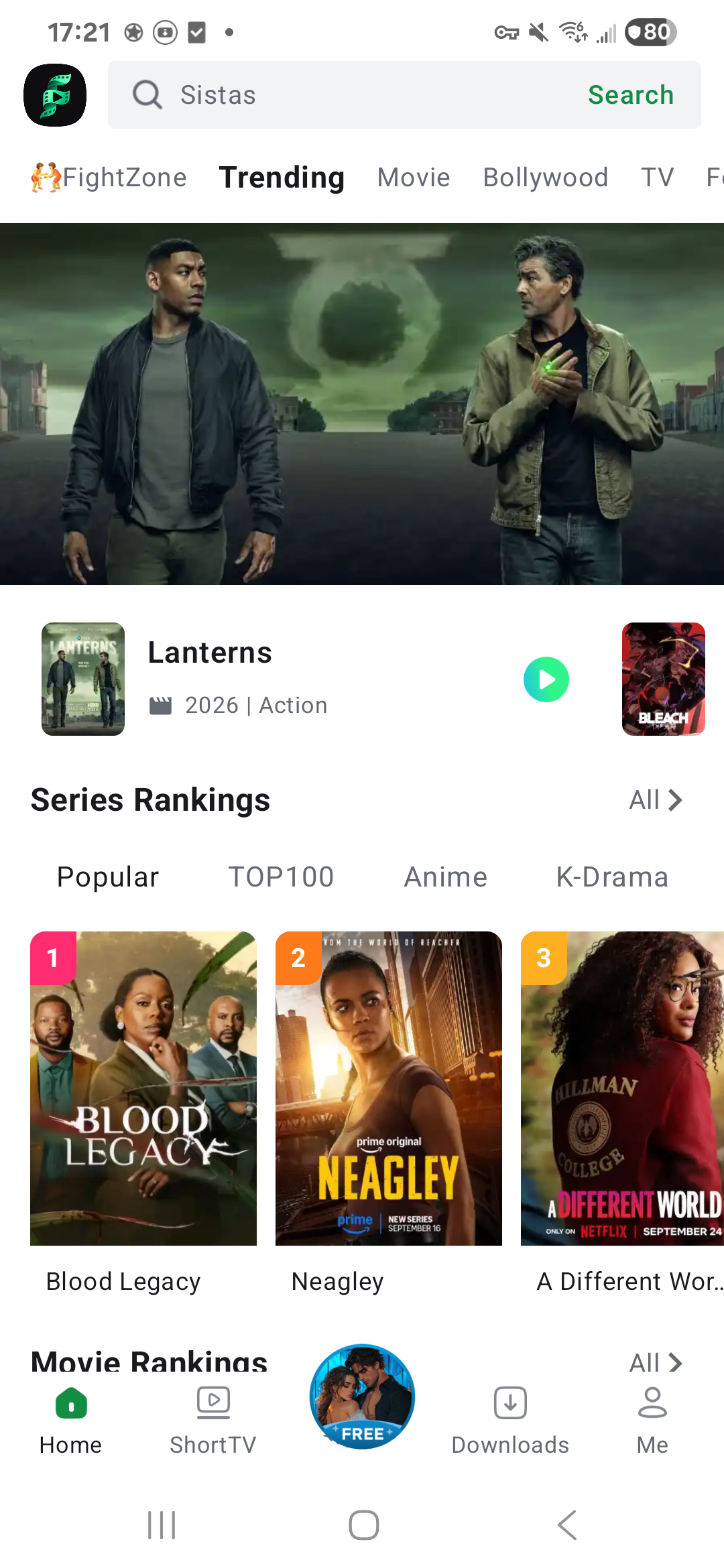
MADE FOR YOUR MOVIE TIME
Browse movies, series, and categories. Pick a new obsession or revisit a story you love.
Have a title in mind? Search for it and get straight to the good part.
Download supported titles to your device. Keep a story ready for commutes, trips, and time offline.
Available titles, playback sources, and downloads may vary within the app.
THREE STEPS. THEN PLAY.
Install on your Android phone or tablet.
Find a story. Get comfortable. Press play.
Tap the download button to save the file. If an in-app browser cannot download it, open this page in your phone's web browser.
Open the APK. If Android asks, enable "Allow from this source" for the browser you used to download the file.
Follow the installation prompts, open the app, and browse or search for something to watch.
The app offers free video playback. Available titles and features may vary. Streaming uses your internet connection and may use mobile data.
This download is an Android APK for phones and tablets running Android 7.0 or later. iPhone and iPad cannot install this file.
Check your browser's Downloads list or the Downloads folder in your phone's file manager. Tap the APK to begin installation.